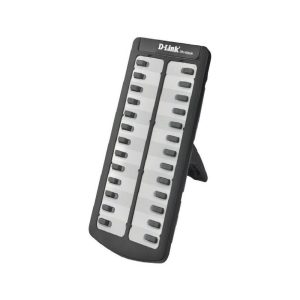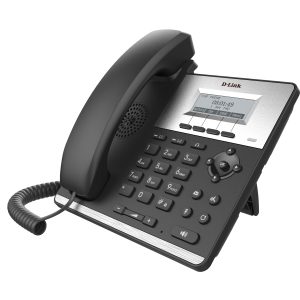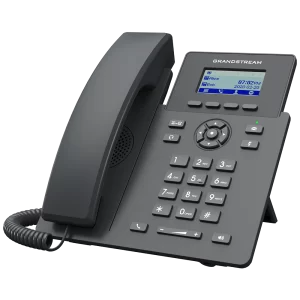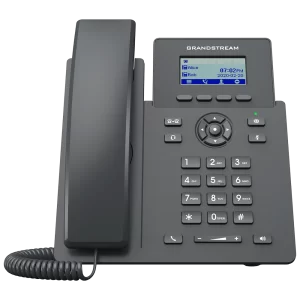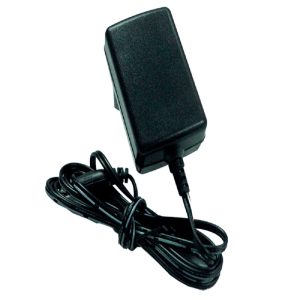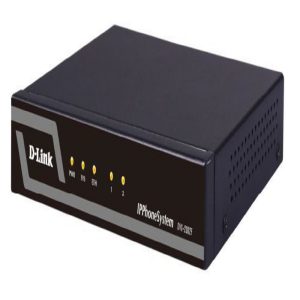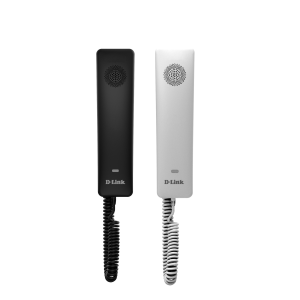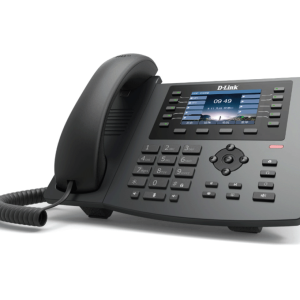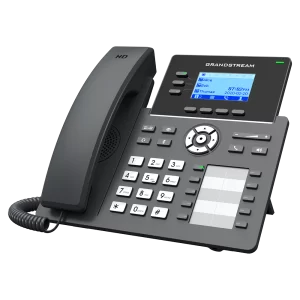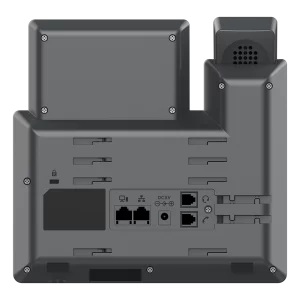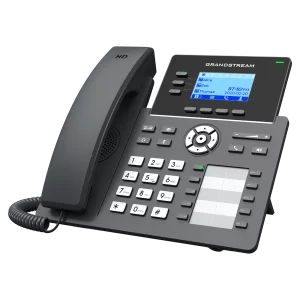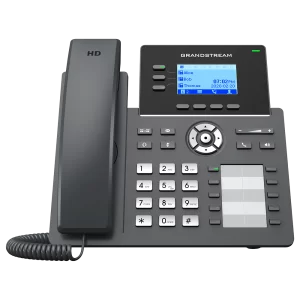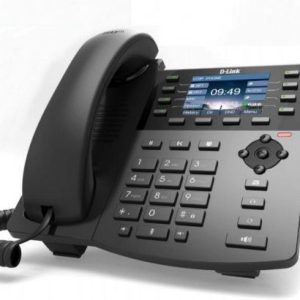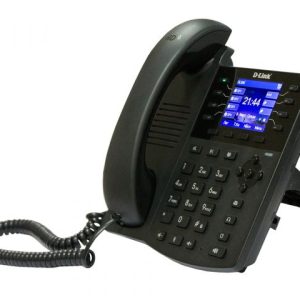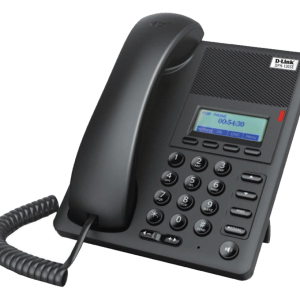

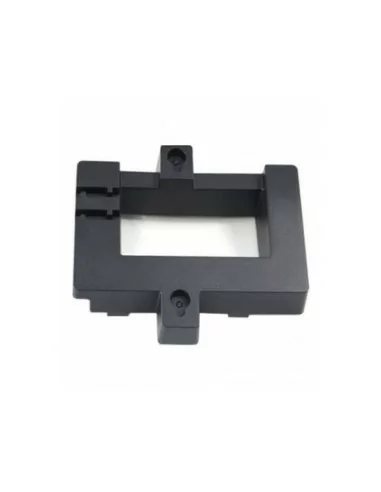
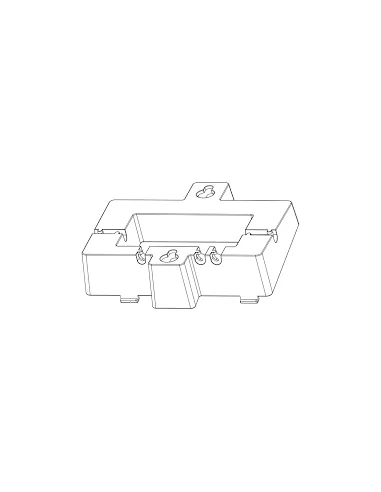
- overview :
INSTALLING WALL MOUNT BRACKET :
1. Put the wall mount’s ribs into the unit’s groove.
2. Press this position and install the wall mount.
3. The wall mount is installed completely.
MOUNTING THE PHONE TO THE WALL:
1. Use the wall mount bracket to mark two vertical dots using “wall mount slots” on the wall where the phone will be installed.
2. Using a drill, make a hole on each marked dot. Put a plastic anchor and screw (not provided) on each hole. Leave enough space to attach the wall mount bracket to the wall.
3. Mount the GRP2600 phone with wall mount bracket attached to the wall using wall mount slots.
ADJUSTING HOOKSWITCH TAB:
Make sure to adjust the hookswitch tab position up to hold the handset while the phone is mounted on the wall (tab wih extension down is recommeded for desktop usage).
1. Pull out the tab from the handset cradle.
2. Rotate the tab to extension up.
3. Plug it back into the slot with the extension up.
Model: GRP_WM_A
Compatible GRP2600 phones: GRP2601, GRP2602, GRP2603, GRP2604
Key Features :Buy with GRP260x IP Phones
Weight & Dimensions:
W:14cm , L:18cm , H:5cm
Weight : 160g