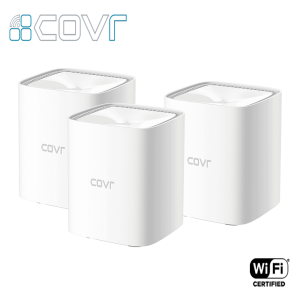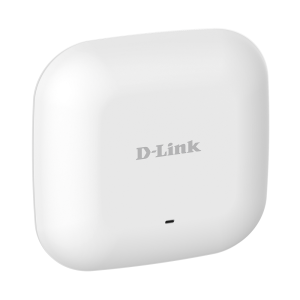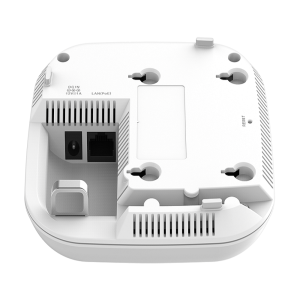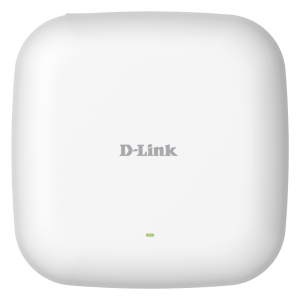

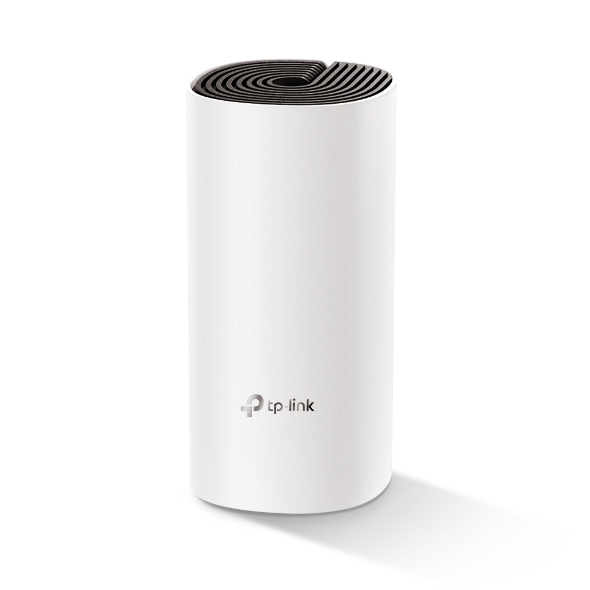
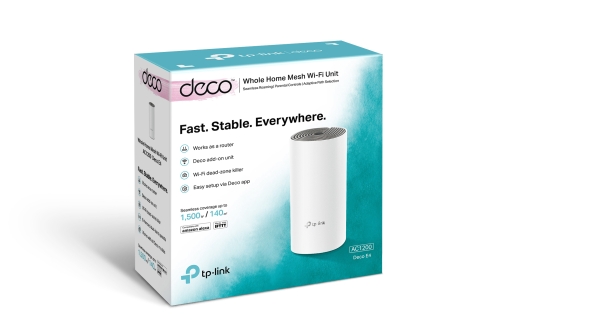
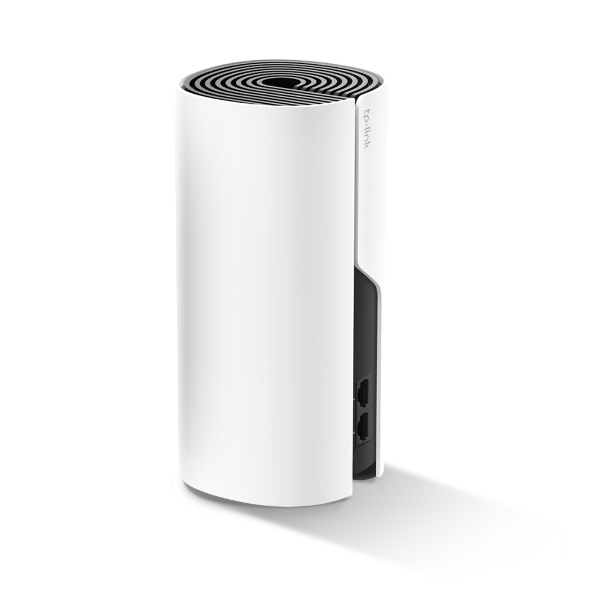
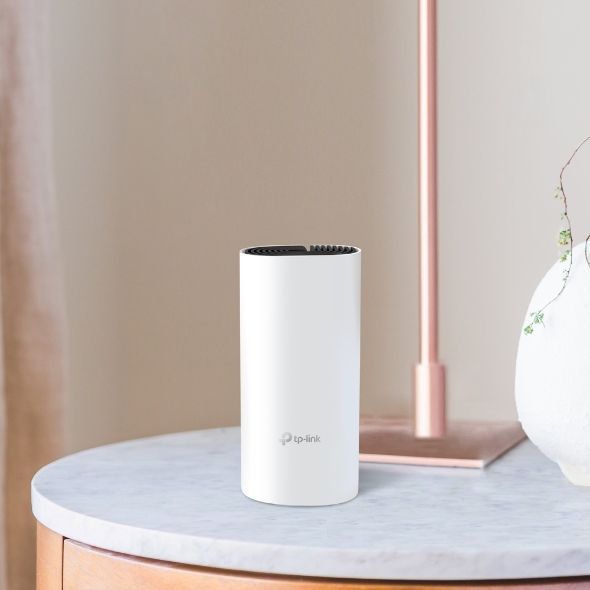
- OVERVIEW :
Deco Network Management at Your Fingertips: The Deco app provides the easiest way to set up, manage and monitor your Deco Whole Home Mesh Wi-Fi System through your iOS or Android devices.
Setup Just Got a Lot Easier “Unbox Deco, install the app and then simply follow the on-screen directions. Deco app will take care of the rest and get your network up and running in minutes.
1- Connect Deco to your cable modem and turn on both devices
2- Download and launch the Deco app
3- Follow the in-app instructions to configure your Deco system.
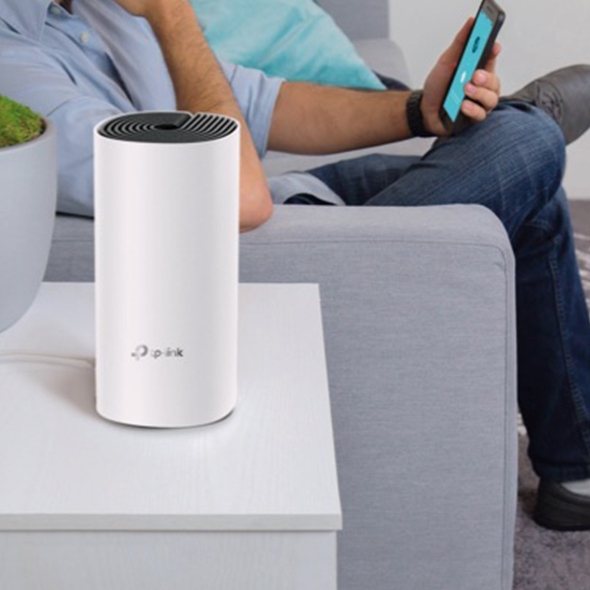
Simple Management : Deco makes it easy to manage your Wi-Fi from anywhere, whether you’re on the couch, at work, or anywhere in between.
Simple Management Dashboard : View the working status of your network, check the connected devices and get all the features your router offers.
Multiple Decos, One App : The Deco app manages all your Deco networks and devices connected to your Deco Wi-Fi.
Check the Connected Devices : View a list of your connected devices with the ability to pause and resume internet access, test the internet speed and prioritize or block the devices.
Remote Management : Remotely take control of the network with a tap of your phone—no matter where you find yourself.
Powerful Parental Controls : Simple, intuitive parental controls make it easy to keep your children safe while they’re online.
- SPECIFICATIONS :-
WIRELESS
Standards and Protocols:
Wi-Fi 5
IEEE 802.11ac/n/a 5 GHz
IEEE 802.11n/b/g 2.4 GHz
Wi-Fi Speeds:
AC1200
5 GHz: 867 Mbps (802.11ac)
2.4 GHz: 300 Mbps (802.11n)
Wi-Fi Capacity:
Medium
Dual-Band :Distribute devices to different bands for optimal performance
MU-MIMO : Simultaneously communicates with multiple MU-MIMO clients
Working Modes:
Router Mode
Access Point Mode
SECURITY
Network Security:
SPI Firewall
Access Control
Guest Network:
1× 5 GHz Guest Network
1× 2.4 GHz Guest Network
Wi-Fi Encryption:
WPA-Personal
WPA2-Personal
HARDWARE
Ethernet Ports:
2× 10/100 Mbps Ports
*Per Deco Unit
Buttons: Reset Button
SOFTWARE
Protocols:
IPv4
IPv6
Parental Controls:
URL Filtering
Time Controls
WAN Types:
Dynamic IP
Static IP
PPPoE
PPTP
L2TP
Quality of Service: QoS by Device
Cloud Service:
OTA Firmware Upgrade
TP-Link ID
DDNS
NAT Forwarding:
Port Forwarding
UPnP
IPTV:
IGMP Proxy
IGMP Snooping
Bridge
Tag VLAN
DHCP:
Address Reservation
DHCP Client List
Server
DDNS: TP-Link
Management Features: Deco App
OTHER
Network Services Enabled by Default:
Web Server
Manage and configure device through web (HTTP/HTTPS)
• Port: 80/443 Protocol: TCP
DNS
DNS
• Port: 53 Protocol: TCP & UDP
DHCP Server
IP address assignment (DHCP)
• Port: 67 Protocol: UDP
App management
Manage and configure device through app
• Port: 22 Protocol: TCP
• Port: 20001 Protocol: TCP
• Port: 30001 Protocol: TCP
• Port: 20002 Protocol: UDP
TEST DATA
Wi-Fi Transmission Power:
CE:
<20 dBm (2.4 GHz)
<23 dBm (5 GHz)
FCC:
<30 dBm
PHYSICAL
Dimensions (W×D×H)
3.6 × 3.6 × 7.5 in (90.7 × 90.7 × 190 mm)
OTHERS
System Requirements:
Android 5.0 or later
iOS 9.0 or later
*Note: The minimum system requirements will be updated alongside updates to the app, subject to official website information.
Certifications: CE, FCC, IC, NCC, BSMI, IDA, RCM, JPA, JRF, VCCI, KC, RoHS
Environment:
Operating Temperature: 0℃~40℃ (32℉ ~104℉)
Storage Temperature: -40℃~70℃ (-40℉ ~158℉)
Operating Humidity: 10%~90% non-condensing
Storage Humidity: 5%~90% non-condensing